
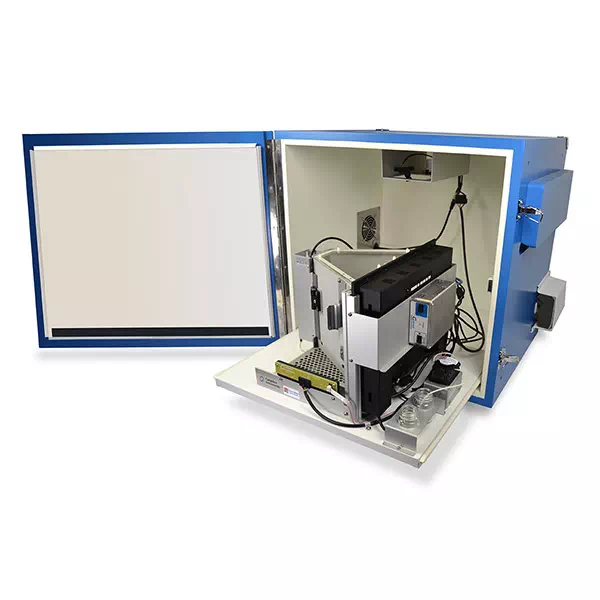
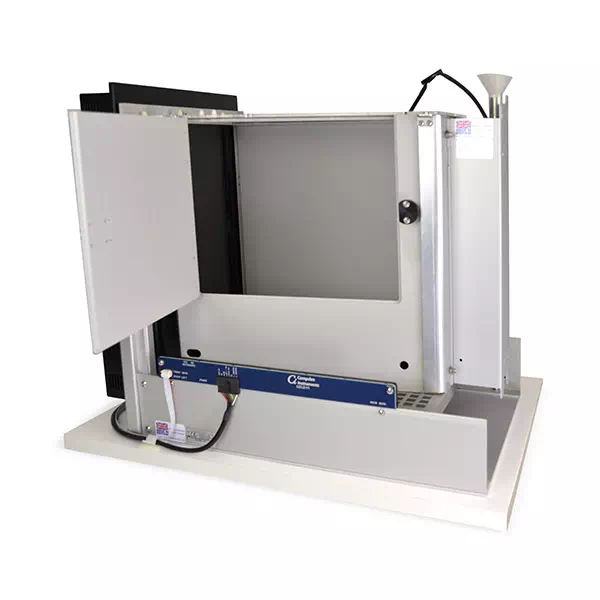
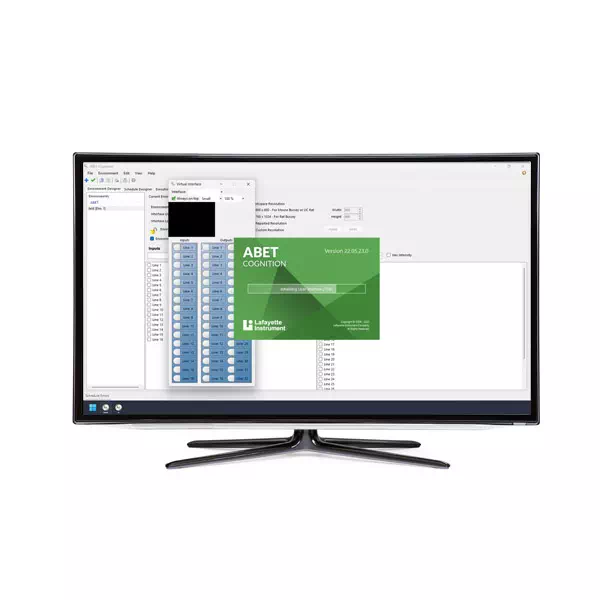
During this Tech Cast, Julie Gill, our Behavioral Product Specialist at Campden Instruments, leads a a 5-part video on setting up a Bussey-Saksida Touchscreen System using our ABET Cognition Software. Throughout this video you will learn the basic requirements for running pre-written schedules using these systems. First off, she highlights the location of support documentation that outlines how to run individual tasks, where to install tasks if not already pre-installed and how to test functionality of the hardware at the beginning of the day. Furthermore, Julie provides an overview on how to create a database for your data files as well as how to execute an experiment from start to finish using the execution manager.
Using the execution manager, the user can select which chambers (all or individual ones) to load defined experiments onto where you have the ability to load unique experiments for each chamber or have all chambers running the same task. Once data files have been generated, Julie walks the user through how to run data analysis on all databases or individual ones. Here, users can search data by date range or task, such as the pair-wise discrimination tasks (PD) and further info from the report editor can be applied to report data based on set parameters like latency or % correct, among others. Once selected, you can save the report in a file location and naming convention defined by the user or exported to a .csv file for further analysis.
Chapters
- Quick Start Guide
- Starting the System
- Creating a Database
- Running an Experiment
- Data Analysis
Related Products
Upcoming Events
-
39th ENCP Congress
Date: October 10-13, 2026 -
AALAS National Meeting 2026
Date: October 25-29, 2026 -
Society for Neuroscience 2026
Date: November 14-18, 2026